Best Scrap Converter Prices · United States seller guide
Converter construction and identification differ from unit to unit.
Show us your converters, keep your details together and review the next step in one place. Here is how to start a public seller account and prepare a useful submission.
Selling from the United States? Start with photos and source details for eligibility review. An account or request is not approval to sell or ship. Wait for SMASH to confirm the applicable route and receiving instructions.
Your account setup checklist
- Have your full name, email address and mobile number ready.
- Create your seller account and follow the verification prompts.
- Add clear converter photos, the quantity and known source details.
- Review your offer and confirmed transport instructions before shipping.
In this guide
Choose the account for selling your material
A public seller account is the place to show SMASH the material you want to sell. It keeps your photos, sale information and available next steps together. It is different from a business auction account: creating a seller account does not give you access to the business auction marketplace.
Start with the seller account link on this site. If you have already received an invitation connected to a converter enquiry, use that invitation so the account can be linked to the appropriate sale when your contact details match. Already registered? Sign in instead of creating another account.
Have your contact details ready
The signup form asks for your full name, email address, mobile phone number and a password. Use an email you can open and a mobile number that can receive verification texts. The same contact details help keep your account and your converter offer connected.
Review the Terms of Service, Privacy Policy and contact choices on the form. Choose a strong password and follow the verification steps. If you already have an account, sign in or use password recovery to keep your converter records and offers together.
Follow the verification prompts
After signup, follow the email and text verification instructions you receive. Signing in includes a verification step to help protect access to your account. Enter codes only in the intended sign in screen, and do not send a password or verification code with your converter photographs.
Contact verification and identity review do different jobs. You may also need to complete the identity steps requested for your sale before you can accept an offer or continue with shipping. Keep your information current and follow the next steps displayed in your account. An account alone is not approval to buy or ship a lot.
Add a clear description of your converters
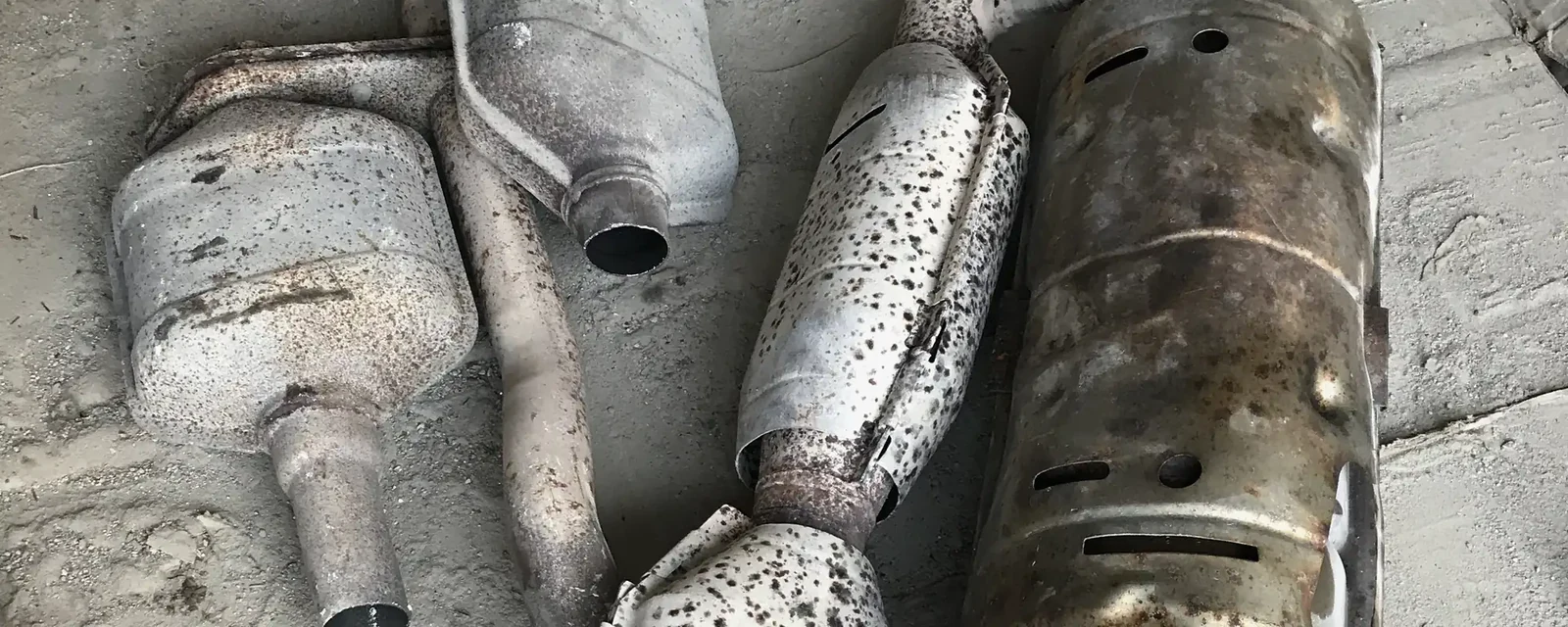
Show the whole converter, any stamped identification and any damage. If you have several units, make it easy to match each close-up with the correct whole converter. Explain the quantity, what you know about the vehicle and where the material is located. Say when a detail is unknown rather than guessing.
Photos and identifying information help us review the material; they do not establish ownership by themselves. Use the ownership and source-of-material steps requested for your sale. Keep identification or ownership documents in the appropriate document step rather than mixing them into a set of material photos.
Review the offer before arranging transport
When an offer is available, review the lot it covers, its amount and currency, its expiry and its purchase and inspection terms. Read the shipping arrangement too. Your account can show the instructions and sale status that apply to the agreed transaction.
Do not send converters simply because you created an account, uploaded photographs or requested a quote. Wait until the material, buyer, terms and logistics are confirmed. If you later have a different lot, use the account's new-sale option when it becomes available so earlier photos and offers stay with the sale they belong to.
Questions sellers ask
Can I ask for a quote before creating an account?
You can start through the converter enquiry form. A seller account helps bring photos, verified details and the next steps for an eligible sale together.
Does this account include auction access?
No. The public seller account is for submitting material to SMASH. Business auction registration is a separate journey.
Should I create another account for my next lot?
Usually you should use your existing account. Follow its new-sale option when available so the next lot has its own photos, records and offer.
Can I ship as soon as I register?
No. Registration is an introduction. Ship only after the sale's eligibility, accepted terms and transport instructions are confirmed.